
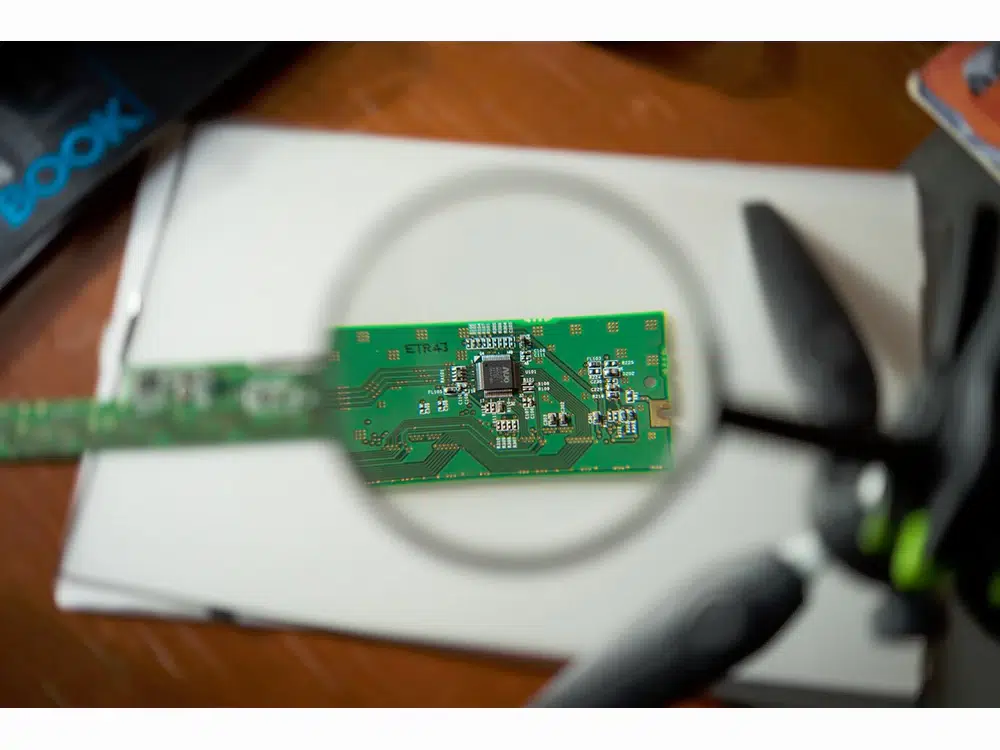
Printed Circuit Board (PCB) files are essential components in the design and manufacturing of electronic circuits. They provide the necessary data for fabricating the physical circuit boards that house electronic components, allowing for the efficient and compact arrangement of circuits. Understanding PCB files is crucial for engineers, designers, and hobbyists involved in electronics.
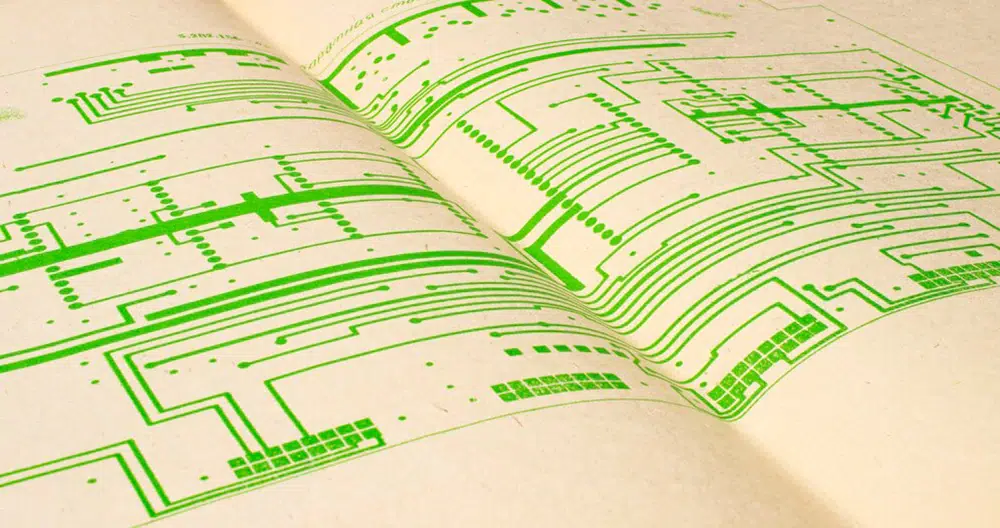
A PCB is a flat board that electrically connects and mechanically supports electronic components using conductive pathways, tracks, or pads etched from copper sheets. These boards are used in nearly all electronic devices, from simple gadgets to complex systems like computers and smartphones.
What are PCB files?
A PCB files are design file used in the creation of printed circuit boards (PCBs). They typically contain data about the layout of the circuit, including the placement of components, routing of electrical traces, and the specifications for layers, dimensions, and other parameters essential for manufacturing the board.
PCB files can be generated by various electronic design automation (EDA) software tools, such as KiCAD, Altium Designer, or Eagle. These PCB files are crucial for both prototyping and mass production of electronic devices, as they guide the fabrication process to ensure the final product functions correctly.
Best Practices in PCB File Management
1. Version Control:
– Implement a version control system to manage changes in PCB designs effectively. This helps track revisions and collaborate with team members.
2. Documentation:
– Maintain comprehensive documentation of the design process, including design decisions, changes made, and rationale behind them.
3. Quality Assurance:
– Perform regular checks and validations of the generated files to minimize errors that could lead to costly manufacturing issues.
4. Backup:
– Regularly back up PCB files to prevent data loss, ensuring that design files are always retrievable.
What is a PCB file extension?
The file extension for PCB files can vary depending on the software used to create them. Here are some common PCB file extensions:
.kicad_pcb – Used by KiCAD.
.brd – Used by Eagle (older versions).
.sch – Also used by Eagle for schematic files, but the layout is usually in a .brd file.
.pcb – General extension used by various programs, including Altium Designer.
.pcbdoc – Used by Altium Designer for PCB documents.
.drl – Used for drill files, often generated alongside the main PCB file.
When working with PCB files, ensure you are using the correct software for the specific file extension.